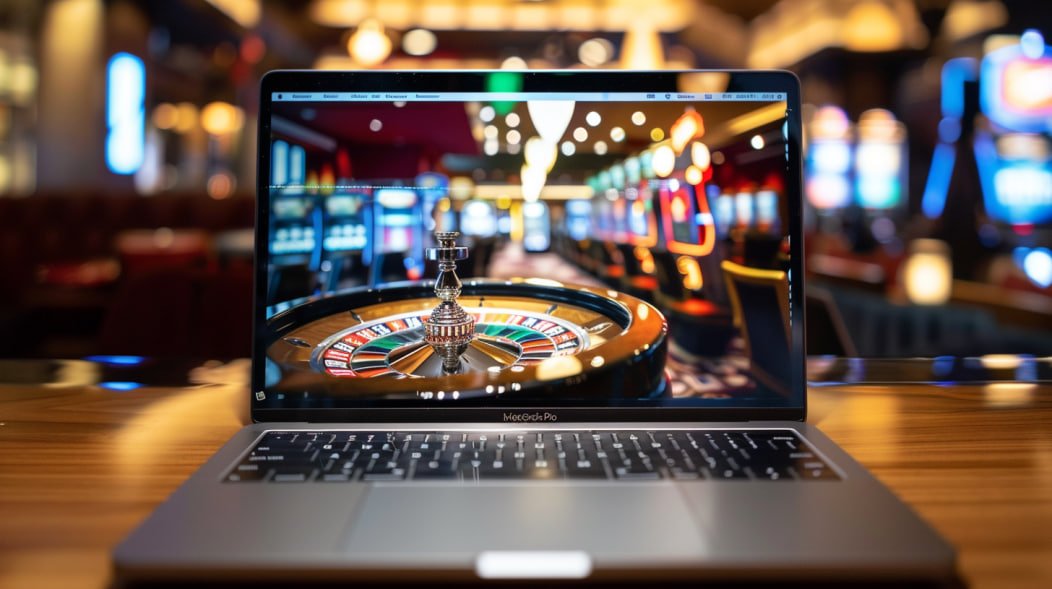
The SGE777 mobile experience is built for Filipino players who prefer gaming on the go. Access your account, play slots, bet on sports, and join live casino tables — all from your Android or iOS device without missing a beat.
Most Filipino players access SGE777 from a mobile device — and the platform is designed with that reality in mind. Whether you're on a jeepney commute in Manila, taking a break in Cebu, or just relaxing at home in Quezon City, the mobile version of SGE777 gives you the same full account access as the desktop experience without requiring a separate download from an app store.
SGE777 operates as a responsive, browser-based platform. This means you open it directly in your phone's browser — Chrome on Android or Safari on iPhone — and the interface adapts automatically to your screen size. No installation, no storage required, and no waiting for updates to download. You tap the site, log in, and you're playing within seconds.
The mobile experience covers everything: slots, live casino, sports betting including PBA basketball and international matches, eBingo, and account management. Depositing through GCash or Maya works seamlessly from mobile too — the payment flow is optimised so you're not bouncing between apps in a way that breaks the session.
SGE777 is a browser-based platform — no app store download is required. Open sge777.vu in your mobile browser, log in, and start playing. You can also add it to your home screen for one-tap access that looks and feels like a native app.
SGE 777 runs directly in your mobile browser. Here's what to expect on each platform.
Android users can access SGE777 through Chrome, which comes pre-installed on most Philippine Android phones. The platform loads quickly on mid-range devices — the kind most commonly used across Metro Manila and the provinces. Mobile data on LTE or 5G works well, and the interface scales correctly whether you're on a 5.5-inch budget phone or a larger flagship screen.
Android also supports Progressive Web App (PWA) installation via Chrome's "Add to Home Screen" option. This creates a shortcut on your home screen that opens SGE777 in a full-screen view without the browser address bar, giving it the feel of a dedicated app while still running entirely through the browser with no separate installation.
iPhone users access SGE777 through Safari, the default browser on all iOS devices. The responsive design adapts cleanly to iPhone screen sizes from the standard to the Pro Max. iOS users on iPhone 11 and above will have no performance issues with the platform — slots and live casino streams load without lag on standard home WiFi or mobile data.
Safari on iOS supports "Add to Home Screen" as well. Tap the Share icon in Safari, select "Add to Home Screen," and SGE777 will appear as a tile on your iPhone home screen. It opens as a standalone view without the Safari navigation bar, giving you a cleaner, more focused gaming experience for each session.

Set it up once and tap to play from your home screen in seconds — no app store, no waiting, no storage used.
Android – Chrome
Open Google Chrome on your Android phone, type sge777.vu in the address bar, and wait for the page to fully load. Make sure you have a stable connection — mobile data or WiFi both work fine.
Tap the three vertical dots in the top-right corner of Chrome to open the browser menu. This is the standard Chrome options menu — the same one you'd use to open a new tab or manage bookmarks.
Scroll through the menu options until you see "Add to Home screen." Tap it. Chrome will show you a preview of the shortcut name — you can leave it as SGE777 or rename it as you prefer.
Confirm by tapping "Add" and the SGE777 icon will appear on your Android home screen. The next time you want to play, just tap that icon and it opens directly — no need to open Chrome first and type the URL again.
iPhone – Safari
Open Safari on your iPhone and type sge777.vu into the address bar at the top. Let the page load completely before proceeding to the next step.
At the bottom of the Safari browser (or at the top on older iOS versions), tap the Share icon — it looks like a box with an arrow pointing upward. This opens the Safari share sheet with various options.
Scroll down through the share sheet icons and text options until you find "Add to Home Screen." Tap it. You'll see a preview with the SGE777 name and icon. You can edit the label if you want before confirming.
Tap the "Add" button in the upper-right corner of the screen. The SGE777 icon will now appear on your iPhone home screen and can be moved to any page or folder, just like any other app icon.

Everything you can do on desktop works on mobile — the same games, the same account, the same promotions.
Hundreds of slot titles are available on the SGE777 mobile platform. The games are rendered using HTML5, which means they run natively in any modern mobile browser without requiring Flash or a plugin. Load times are optimised for Philippine mobile data speeds — even on a standard LTE connection, games launch quickly and play smoothly.
Live dealer games — baccarat, roulette, blackjack, and more — stream in real time on the mobile platform. The video feed adapts to your connection quality automatically, prioritising playability on lower bandwidth. Portrait and landscape modes both work, and the betting interface scales to touch-friendly button sizes so you're not trying to tap on tiny controls.
Bet on PBA basketball, NBA, international football, boxing, volleyball, and esports directly from your phone. The mobile sports betting interface on SGE777 is designed for quick pre-match selections and live in-play betting. Odds update in real time and the bet slip is always a tap away, making it practical to place wagers between events without navigating multiple pages.
Depositing via GCash or Maya is actually faster on mobile than on desktop, because the payment redirect takes you directly into the e-wallet app — no manual URL typing or browser tab switching needed. Tap to authorise in GCash or Maya, and your SGE777 balance updates within minutes. The entire flow is optimised for the Philippine mobile e-wallet experience.
Your SGE777 account dashboard is fully accessible on mobile. You can check your balance, review your transaction history, update your profile details, and manage verification documents all from your phone. There's no feature on the account side that's restricted to desktop — everything is reachable through the mobile browser interface.
The Promotions page is available on mobile and shows the same active offers visible on desktop. Any eligible bonuses — whether tied to deposits, specific games, or seasonal campaigns — are claimable directly from your mobile session. You don't need to switch to a desktop device to access or activate promotional offers on your account.
Wondering what you might miss on mobile? The short answer is: very little. Here's a direct comparison.
| Feature | Mobile Browser | Desktop Browser |
|---|---|---|
| Slot Games | Full library available | Full library available |
| Live Casino Streaming | Adaptive video stream | Standard video stream |
| Sports Betting | Full pre-match & live | Full pre-match & live |
| GCash / Maya Deposit | Direct app redirect | QR or browser redirect |
| Account Dashboard | Fully accessible | Fully accessible |
| Promotions | All offers visible | All offers visible |
| App Store Download Required | No download needed | No download needed |
| Add to Home Screen (PWA) | Supported | Not applicable |
SGE777 is built on HTML5 and CSS3 — the same web standards used by virtually every modern website and web app. This means the platform doesn't require a powerful flagship device to run well. Most Android phones sold in the Philippines in the past four to five years, including popular mid-range models from brands widely available at SM and Robinsons, can run SGE777 without performance issues.
The main factors that affect your mobile SGE777 experience are your internet connection quality and your browser version. Keeping your browser updated — Chrome on Android, Safari on iPhone — ensures you're running the latest security patches and rendering improvements that keep the platform loading fast and displaying correctly.
Live casino game streams are the most data-intensive part of the platform. If you're on a limited mobile data plan, you may prefer to use WiFi when watching live dealer games for extended sessions to manage data consumption.

A few things every Filipino player should know about keeping their SGE777 account secure on mobile.
When accessing SGE777 on your phone, confirm that the browser shows a padlock icon and the URL begins with https://. This confirms the connection is encrypted using SSL. Never log in to SGE777 through an unencrypted HTTP link or through a link sent by someone you don't know — only access the platform directly by typing the address in your browser or tapping your saved home screen shortcut.
SGE777 uses OTP (one-time password) verification sent to your registered Philippine mobile number as part of the login process. This two-step verification means that even if your password were compromised, access would still require the OTP delivered to your physical SIM card. Never share your OTP with anyone — SGE777 support will never ask for it.
Avoid logging in to your SGE777 account on unsecured public WiFi networks — in malls, coffee shops, or transport terminals. While the platform uses SSL encryption, public WiFi environments carry additional risks. If you need to play while out, use your mobile data connection instead of connecting to an open or unfamiliar WiFi network.
Don't share your SGE777 login credentials with family members or friends, even if they also want to play. Each player should have their own registered account. Sharing accounts creates verification complications and may cause issues with your transaction history and withdrawal eligibility. The registration process is free and takes only a few minutes at /register.
Common questions from Filipino players about using SGE777 on mobile.
SGE777 is intended for players aged 21 and above only. Mobile access makes gaming more convenient — please make sure convenience doesn't lead to unplanned spending. Set a session budget before you start, use time limits if available in your account settings, and take regular breaks. If gaming stops being fun or starts affecting your finances or daily life, visit our Responsible Gaming page for guidance and self-management tools. Play for entertainment, not as a source of income.
Open sge777.vu in your mobile browser right now and create your free account in minutes. It works on Android and iPhone — no app store visit, no download, no storage used.